
If you are interested in using your LabCorp Voucher at a LabCorp Patient Service Center, please review the instructions below!
Scheduling a Screening Appointment
- Go to labcorp.com
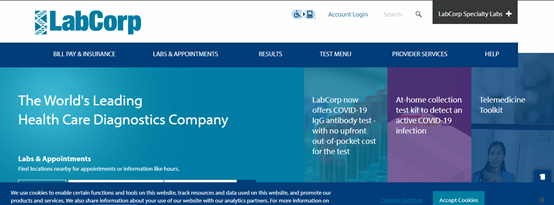
- On LabCorp’s main page, scroll down to the ‘Labs & Appointments’ search engine. Either click the ‘locate me’ button or enter your zip code.
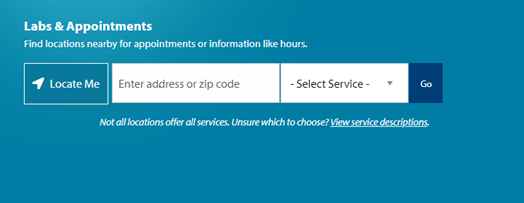
- Select the service you would like to have done and click go.
- Select “Employee Wellness with body measurement” for screenings
- Select “Routine Labwork” for COVID related Serology testing
- The website will populate with locations nearest you.
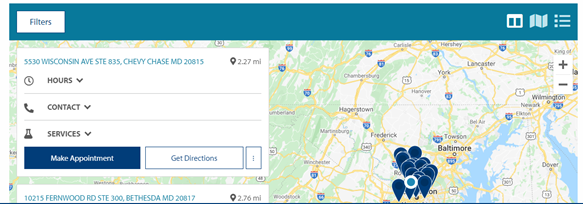
Note: you may click for hours, contact information, and services provided at the respective location to narrow your search or to contact the facility.
- Click ‘make appointment’ to schedule online or you may also click for the contact information to schedule your appointment over the phone.
- Schedule a time for your appointment.
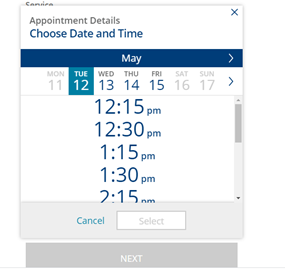
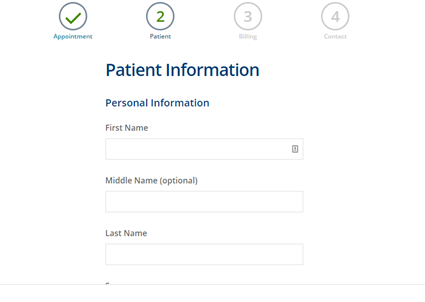
- Enter your information or the information of the patient.
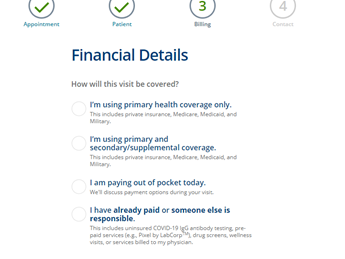
- Select payment option – “I have already paid or someone else is responsible”
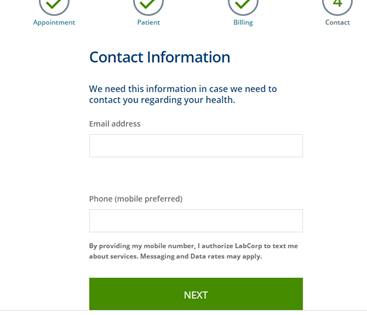
- Enter your contact information.
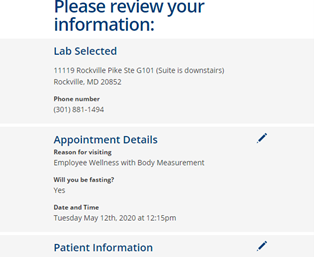
- Review information and submit.
- It is best practice to print out your LabCorp voucher and bring it along with you to your appointment.
Comments
0 comments
Please sign in to leave a comment.